Finance & Accounting
Raya keeps a full double-entry set of books that stays balanced at all times. Most entries post automatically from Sales, Purchase and Inventory — the finance team mainly reviews, adjusts and reports.
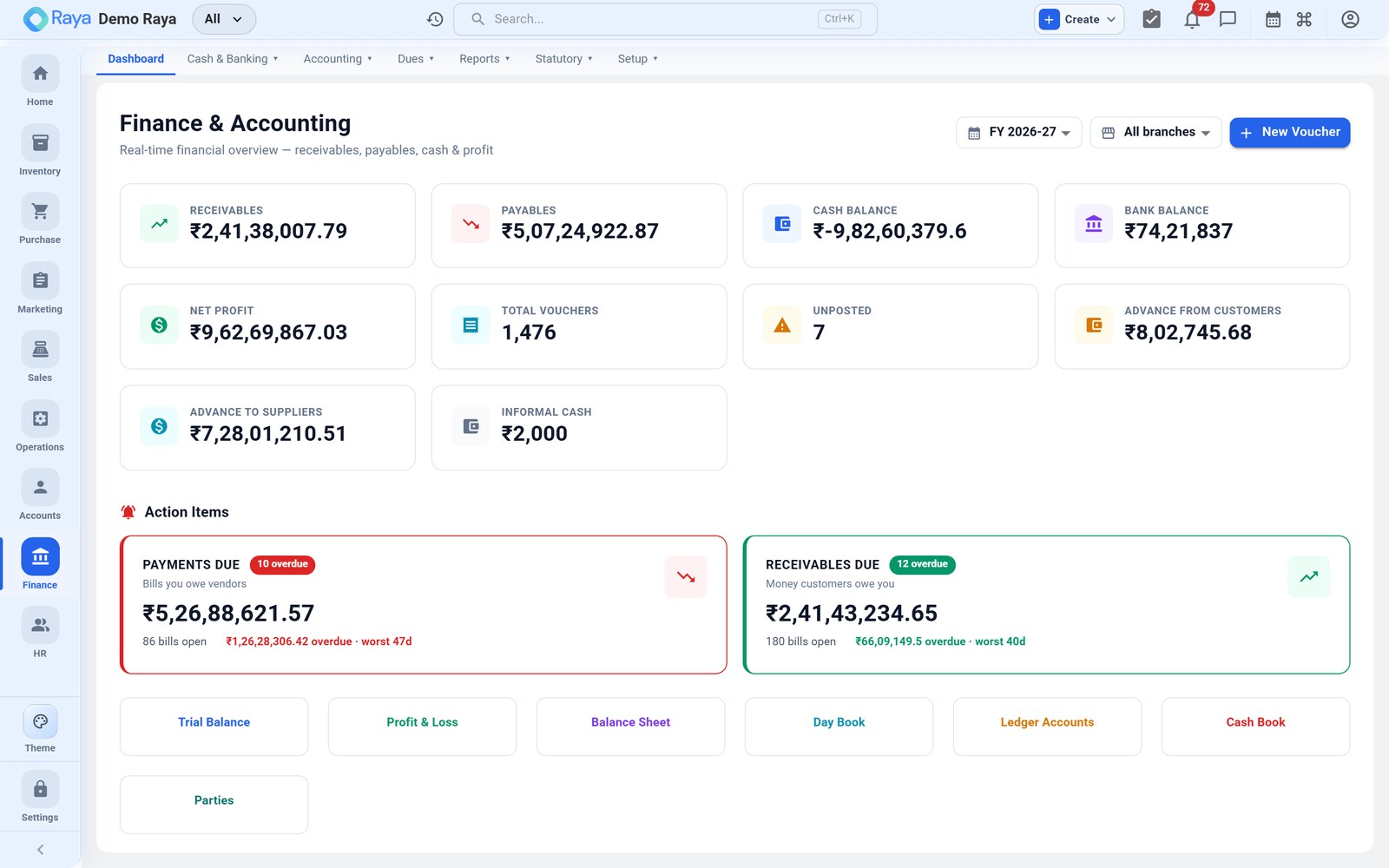
How the books stay balanced
- Every business event creates one or more vouchers, and total debits always equal total credits.
- Auto-posting does the routine work: completing a sales order posts a Sales voucher, recording a supplier bill posts a Purchase voucher, and recording payments posts Receipt/Payment vouchers. You rarely key these by hand.
- Posted vouchers are immutable. To correct a mistake you post a reversing or amending entry — you never edit or delete a posted voucher, so the audit trail stays intact.
- The dashboard surfaces the numbers that matter: Receivables, Payables, Cash, Bank and Net Profit.
:::note Auto-posting can be turned off An admin can disable auto-vouchers per company under Settings, so finance posts everything by hand — but leaving it on is the norm. :::
Sub-pages
| Area | Page | What it's for |
|---|---|---|
| Postings | Vouchers | Every accounting entry; manual journals, reversals |
| Structure | Chart of Accounts | The ledger hierarchy and system accounts |
| Structure | Ledger & Day Book | Account history and per-date postings |
| Money | Cash, Bank & Reconciliation | Cash book, bank accounts, statement matching |
| Insight | Financial Reports | Trial Balance, P&L, Balance Sheet, aging |
| Compliance | GST, e-Invoice & e-Way Bill | Returns, IRN/QR, e-Way Bill, TDS/TCS |
| Assets | Fixed Assets, Budgets & Cost Centers | Asset register, depreciation, budgets |
Related
- GST & compliance overview
- Sales — where Sales and Receipt vouchers originate.
- Purchase — where Purchase and Payment vouchers originate.