Fixed Assets, Budgets & Cost Centers
Beyond the core ledgers, Finance also manages your long-lived assets, spending plans and the way costs are attributed across the business.
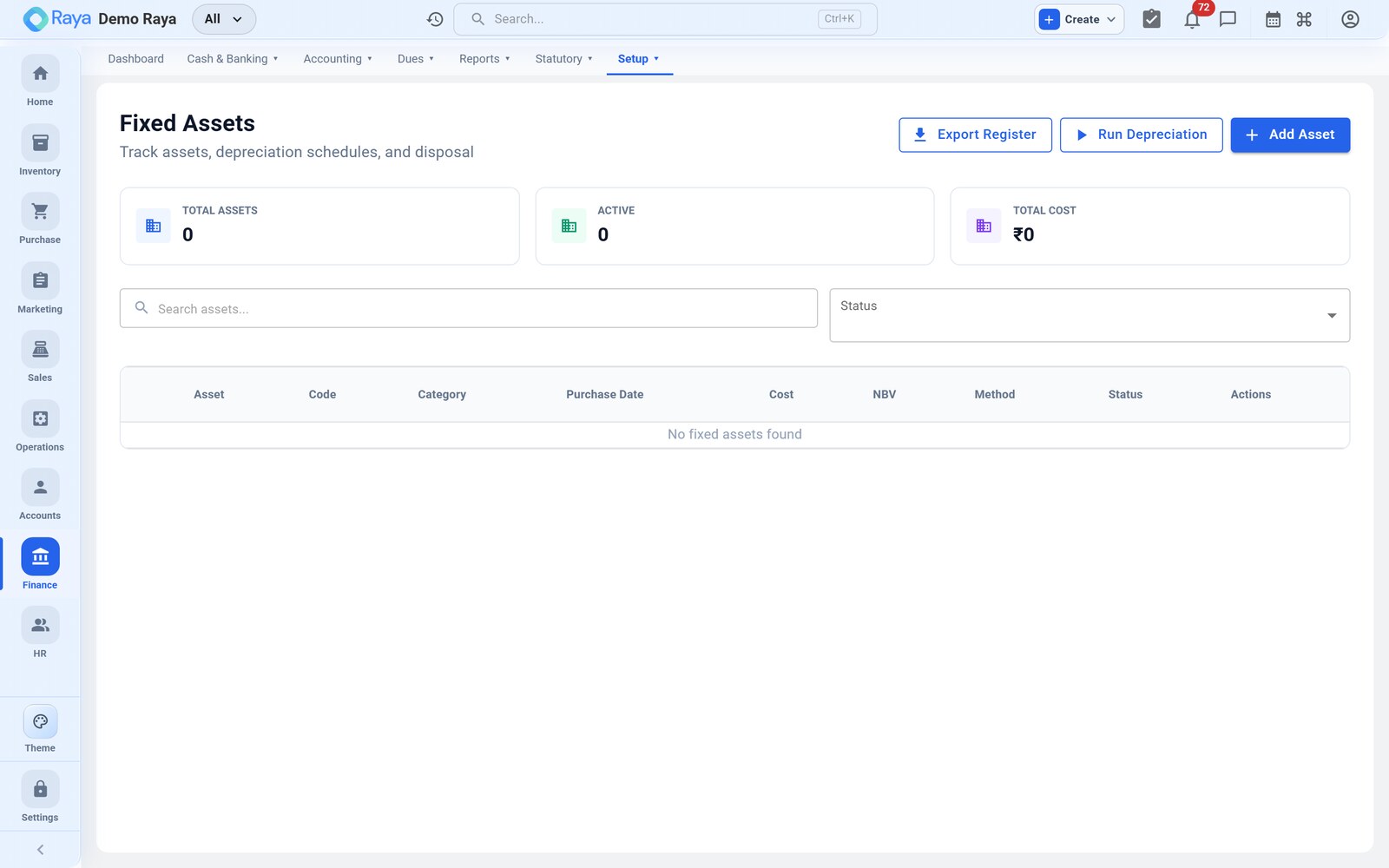
Fixed assets
The asset register holds every capitalised item — machinery, vehicles, computers — with its cost, purchase date and depreciation method.
- Go to Finance → Fixed Assets → + New Asset.
- Enter the cost, in-service date and depreciation method and rate.
- Save — Raya builds the depreciation schedule.
Each period, depreciation posts automatically as a Journal voucher, so the asset's book value and your expenses stay current without manual entries.
Budgets
Set a budget for an account, cost center or period, then track actual vs budget as vouchers post. Variances highlight where spending is running ahead of or behind plan.
Cost centers
Cost centers let you tag postings to a project, department or branch. Add the cost center on a voucher line and the figure rolls up in cost-center reports — so you can see profitability per project, not just for the company as a whole.
:::tip Combine them Budget by cost center to compare each department's planned and actual spend side by side. :::
Expense claims
Employee reimbursements are captured as expense claims; once approved they post to the relevant expense ledger (and cost center, if set) as a Payment or Journal voucher.