GST, e-Invoice & e-Way Bill
Raya is filing-ready: your Indian GST returns, e-Invoices and e-Way Bills are built from the same invoices you already raise — no re-keying.
GST returns
| Return | Covers |
|---|---|
| GSTR-1 | Outward supplies — B2B, B2C, exports, credit/debit notes and an HSN summary |
| GSTR-3B | Monthly summary — output tax, input-tax credit (ITC) and net tax payable |
Both are computed automatically from your posted sales and purchase vouchers, and export to Excel in the government schema for upload to the GST portal.
2A / 2B reconciliation
Match the ITC in your purchase records against GSTR-2A/2B downloaded from the portal. Raya flags matched, missing and mismatched invoices so you claim only the credit your suppliers have actually filed.
e-Invoice (IRN + QR)
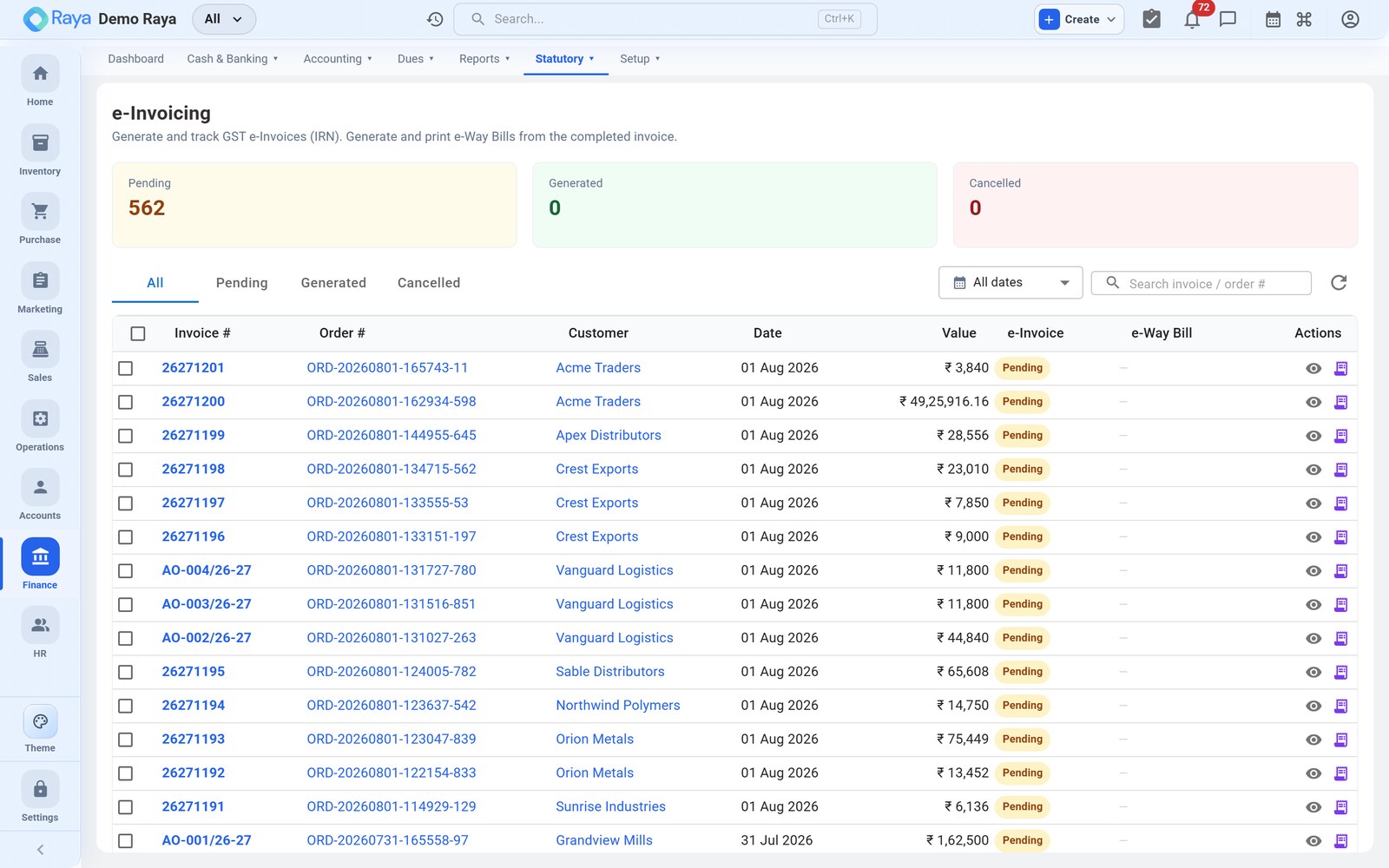
For B2B invoices above the threshold, generate the e-Invoice through the NIC IRP right from the sales invoice:
- Open the sales invoice and choose Generate e-Invoice.
- Raya returns the IRN and the signed QR code, which print on the invoice.
- The e-Invoice auto-populates your GSTR-1.
Need to void one? Cancel it within the allowed window with a reason code.
e-Way Bill
For goods in transit, raise the e-Way Bill from the invoice or delivery note: Part-A from the document, Part-B for the vehicle number. You can extend the validity or cancel when plans change.
TDS & TCS
Raya tracks withholding taxes alongside GST:
- TDS — tax deducted at source on eligible expenses (sections such as 194C/H/I/J/Q), feeding Form 26Q and 16A.
- TCS — tax collected at source on eligible sales, feeding Form 27EQ.
- Reverse charge (RCM) is flagged on the voucher wherever it applies.
:::note Setup lives in Settings GSTIN profiles and e-Invoice / e-Way Bill credentials are configured under Settings → Tax & Compliance. Multiple GSTINs per company are supported. :::