Attendance
HR → Attendance records when employees start and finish work, totals the hours, and produces the two figures payroll cares about each month: days present and days of loss of pay (LOP).
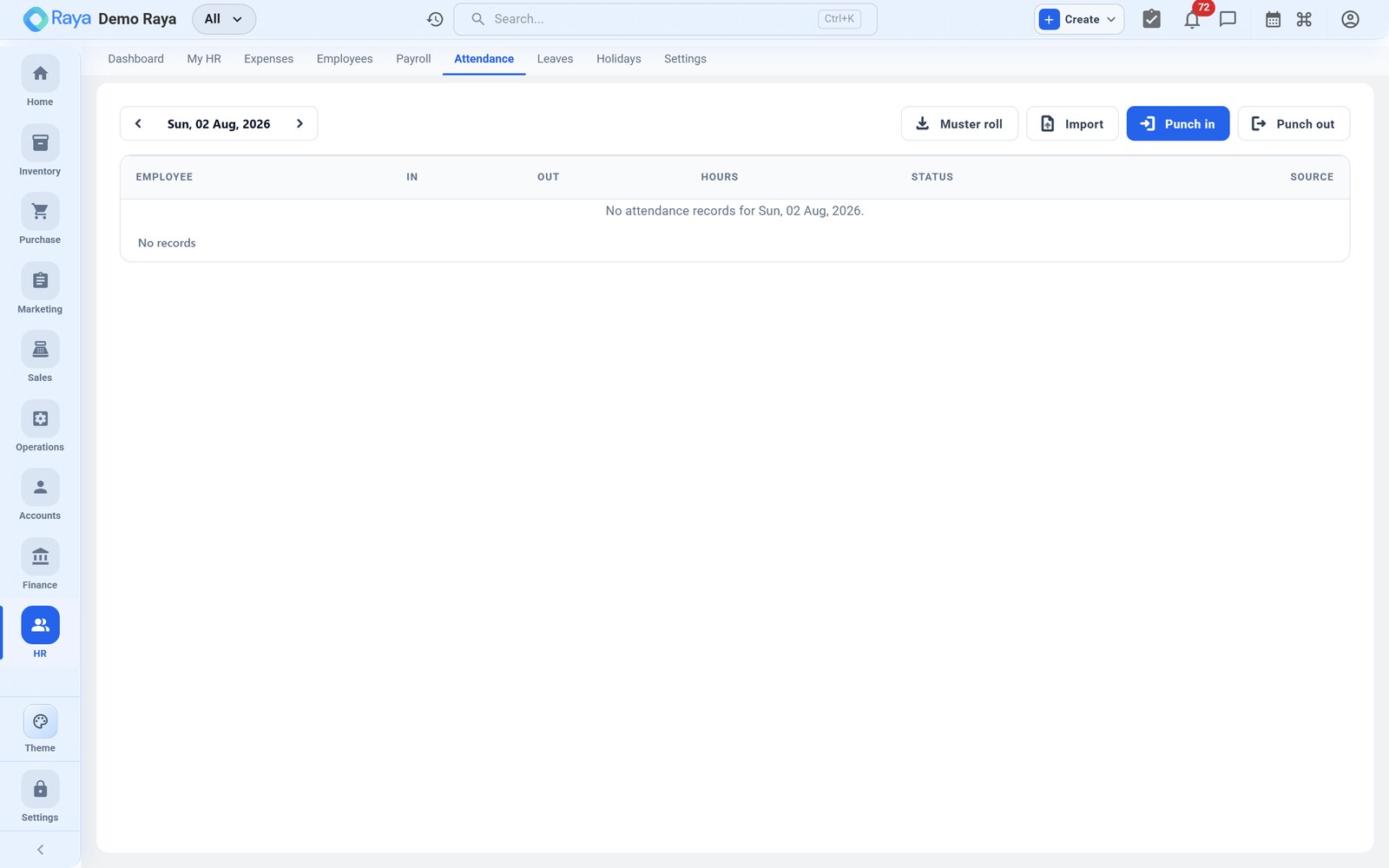
We build R. Mehta's August 2026 record here — the source of the single LOP day that lands on his payslip.
What a punch captures
Employees clock in and out from the web app or the mobile self‑service portal. Each punch stores:
| Field | Captured | Why it matters |
|---|---|---|
| Check‑in / check‑out time | Timestamp at the tap | Basis for hours worked |
| Geo‑location | GPS latitude/longitude at the punch | Proves where the punch was made |
| Source | Web or mobile app | Tells you the channel each punch came from |
| Total hours | Auto‑calculated (out − in) | Compared to the expected shift hours |
Total hours worked are calculated automatically from check‑in and check‑out; you never total them by hand.
Punch in and out
- Open Attendance (or the mobile portal) and tap Punch In at the start of the day — the timestamp, GPS and source are stamped automatically.
- Tap Punch Out when leaving. Raya computes the hours for the day.
- The day is compared against the employee's shift (see Holidays & Shifts) to decide whether hours are short, standard, or into overtime.
:::note Geo‑tagged, source‑stamped Because every punch records GPS and whether it came from web or app, field and multi‑location teams can mark attendance from where they actually are, and you can review it after the fact. :::
R. Mehta — August 2026 at a glance
August has 31 calendar days. On the General shift (09:00–18:00), his month works out as:
| Category | Days | Counts as | Pay effect |
|---|---|---|---|
| Present (punched in/out) | 22 | Worked | Paid |
| Public holiday — 15 Aug | 1 | Not a working day | Paid, not counted absent |
| Weekly offs (Sundays) | 5 | Not working days | — |
| Approved casual leave — 20–21 Aug | 2 | Paid leave | Paid |
| Absent, no leave balance — 6 Aug | 1 | Loss of pay | Deducted |
The one day that matters for pay is 6 August: R. Mehta was absent with no leave balance left, so it is treated as LOP and flows into payroll as a ₹1,000 deduction (see how LOP is priced).
:::tip Approved leave is not absence The 20–21 Aug casual leave doesn't show as absence — because it's approved and paid, attendance treats those as covered days. Only uncovered absence becomes LOP. See Leave. :::
Overtime
Hours worked beyond the standard shift are tracked as overtime and carried to the payslip. Overtime is measured against the shift's expected hours, so define the shift first on Holidays & Shifts.
Worked example — an overtime day. Say R. Mehta works a 09:00–21:00 day during a production push. Against a 9‑hour General shift that's 3 hours of overtime. If your policy pays overtime at ₹150/hour, that's ₹450 added to the month's earnings as an Overtime line on the payslip. R. Mehta had no overtime in August, so his overtime line is ₹0 — but this is where such hours would appear.
Regularisation (correcting a punch)
People forget to punch, or a phone loses GPS. HR can regularise the record so the month is accurate before payroll:
- Open the employee's attendance for the date in question.
- Add or edit the check‑in/check‑out time for a missed or wrong punch.
- Save. The corrected hours re‑total automatically, and the day is re‑evaluated as present, short, or overtime.
Regularise before running payroll for the period — the run reads whatever the attendance record says at run time.
:::info Biometric integration is on the roadmap Direct biometric device integration is planned for a future release. Today, attendance is captured through the web and mobile app punches and HR regularisation described above. :::
How attendance feeds payroll
At the payroll run, Raya reads the month's attendance and derives two things for each employee:
- Overtime hours → added to earnings.
- LOP days → each day priced as
gross ÷ 30and deducted.
For R. Mehta that's 0 overtime and 1 LOP day (₹1,000).
Related
- Holidays & Shifts — sets the expected hours and the holidays attendance is measured against.
- Leave — approved leave keeps a day from becoming LOP.
- Payroll — hours and LOP flow into monthly pay.
- Settings — user access and self‑service portal setup.