Leave
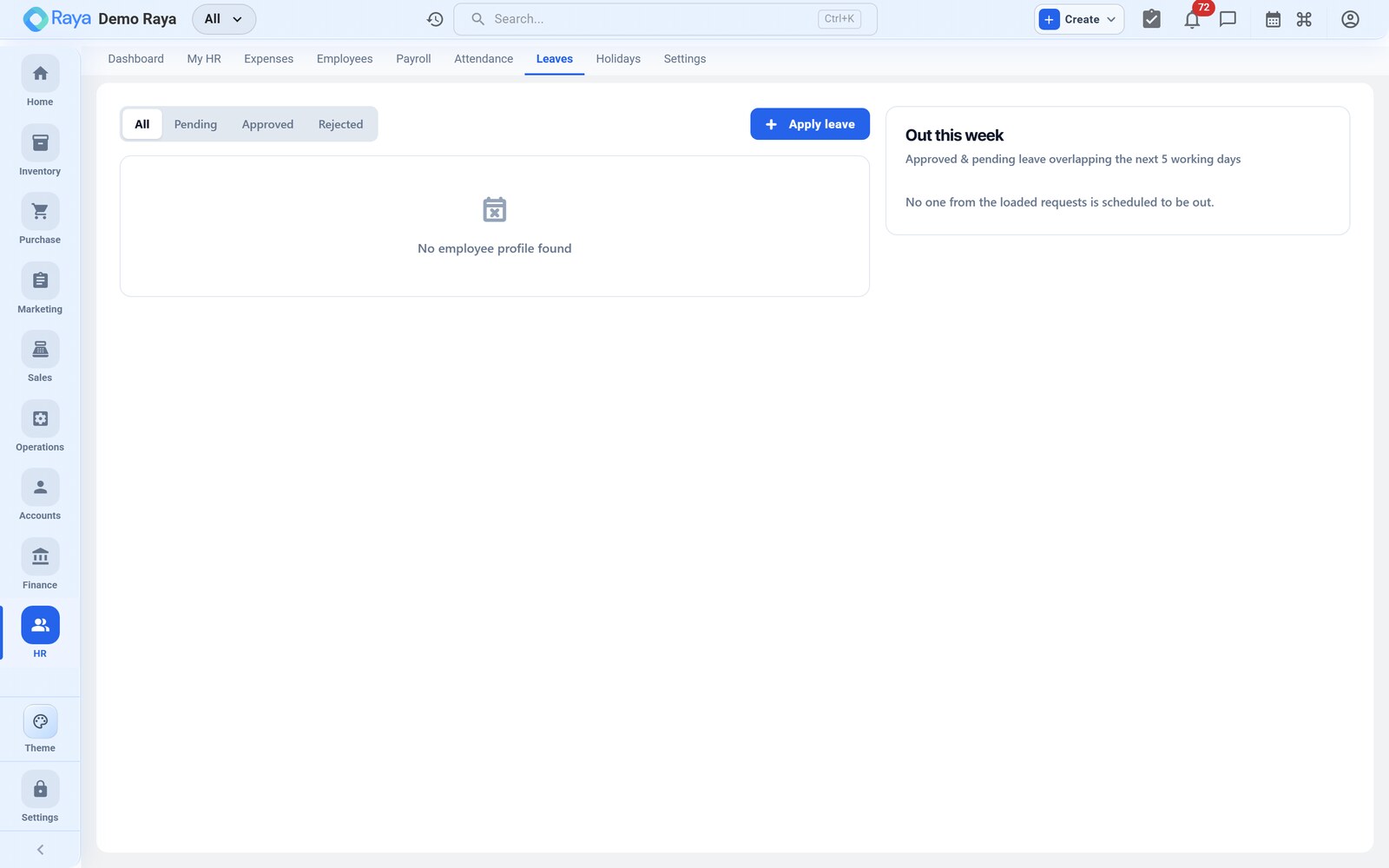
HR → Leave manages leave policies, balances and approvals — from applying for a day off to carrying unused leave into the next year. This page configures leave types, tracks R. Mehta's balances, and works his 2‑day casual‑leave request from application through manager approval.
Leave types
Configure any number of leave types to match your policy. Each type sets:
| Setting | Purpose |
|---|---|
| Paid / unpaid | Whether the leave is deducted from pay |
| Max per year | Annual entitlement |
| Accrual frequency | How the balance builds up over time (e.g. monthly) |
| Carry‑forward | Whether unused balance rolls into the next period |
| Encashment | Whether unused balance can be paid out |
| Negative balance | Whether advance (negative) balance is allowed |
A typical Indian policy uses three types:
| Leave type | Paid? | Max/yr | Accrual | Carry‑forward | Encashment |
|---|---|---|---|---|---|
| Casual Leave (CL) | Paid | 12 | 1/month | No (lapses) | No |
| Sick Leave (SL) | Paid | 6 | 0.5/month | No | No |
| Earned / Privilege Leave (EL) | Paid | 15 | 1.25/month | Yes (cap 30) | Yes |
Balances and accrual
Balances accrue automatically at each type's configured frequency, so every employee has an up‑to‑date, real‑time balance per leave type. Accrual starts from the date of joining.
R. Mehta joined 1 July 2026, so by mid‑August his balances stand at:
| Leave type | Accrued (Jul + Aug) | Taken | Balance |
|---|---|---|---|
| Casual Leave | 2 | 0 | 2 |
| Sick Leave | 1 | 0 | 1 |
| Earned Leave | 2.5 | 0 | 2.5 |
His 2 available casual days are exactly what he's about to use.
Apply for leave — R. Mehta's 2 casual days
- Open Leave → Apply (R. Mehta can do this himself from the self‑service portal).
- Leave type —
Casual Leave. The screen shows the live balance (2 days), so he can see the request fits. - Dates —
20 Aug 2026to21 Aug 2026(2 days). - Half‑day? — leave off; these are full days (see Half‑day below).
- Reason — a short note, e.g. "family function".
- Submit for approval.
The request now shows as Pending and the 2 days are provisionally held against his balance so he can't double‑book them.
Approvals
Leave requests route to the employee's manager for approval.
- The manager sees the request in pending approvals (and on the HR dashboard).
- They open it, check the dates and balance, and click Approve (or Reject with a reason).
- On approval, the 2 days are deducted from R. Mehta's casual balance (2 → 0) and the dates are marked as paid leave on attendance — so they are not treated as absence and have no effect on pay.
- On rejection, the provisional hold is released and the balance is untouched.
:::tip Approved leave vs. LOP This is the difference that decides pay. R. Mehta's 20–21 Aug are approved paid leave → fully paid. His separate 6 Aug absence had no balance left → it becomes Loss of Pay. Same calendar, opposite pay outcome. See Attendance and Payroll. :::
Half day
For a partial day, mark the application as a half‑day. It draws 0.5 from the balance and counts as half a working day for attendance and pay. Useful for a mid‑day medical appointment on a sick‑leave type.
Carry‑forward and encashment
Two settings decide what happens to unused balance at year‑end:
- Carry‑forward rolls the unused balance into the next period, usually up to a cap. In the policy above, Earned Leave carries forward up to 30 days; casual and sick leave lapse.
- Encashment pays out unused balance instead of carrying it.
Worked example — EL encashment. Suppose R. Mehta ends the year with 10 unused
Earned Leave days and encashes them. Encashment is priced on Basic ÷ 30 per
day: 15,000 ÷ 30 = ₹500/day, so 10 × ₹500 = ₹5,000 is paid out. Encashment is
processed as an earning in a payroll run.
Negative balance
If your policy allows it, an employee can take leave they haven't accrued yet, taking the balance negative (advance leave). Turn this on per leave type via the Negative balance setting. When it's off, an application beyond the available balance can't be approved as paid — the excess falls to unpaid leave / LOP instead.
:::note When paid balance runs out → LOP When there's no paid balance left, further leave is unpaid and becomes Loss of Pay (LOP), deducted automatically in the next payroll run. That is exactly what happens to R. Mehta's uncovered 6 Aug absence. :::
Related
- Attendance — approved leave keeps a day off the LOP list.
- Payroll — unpaid leave becomes LOP; encashment is an earning.
- Employees — accrual starts from the date of joining.
- Settings — roles that can approve leave requests.