Inventory
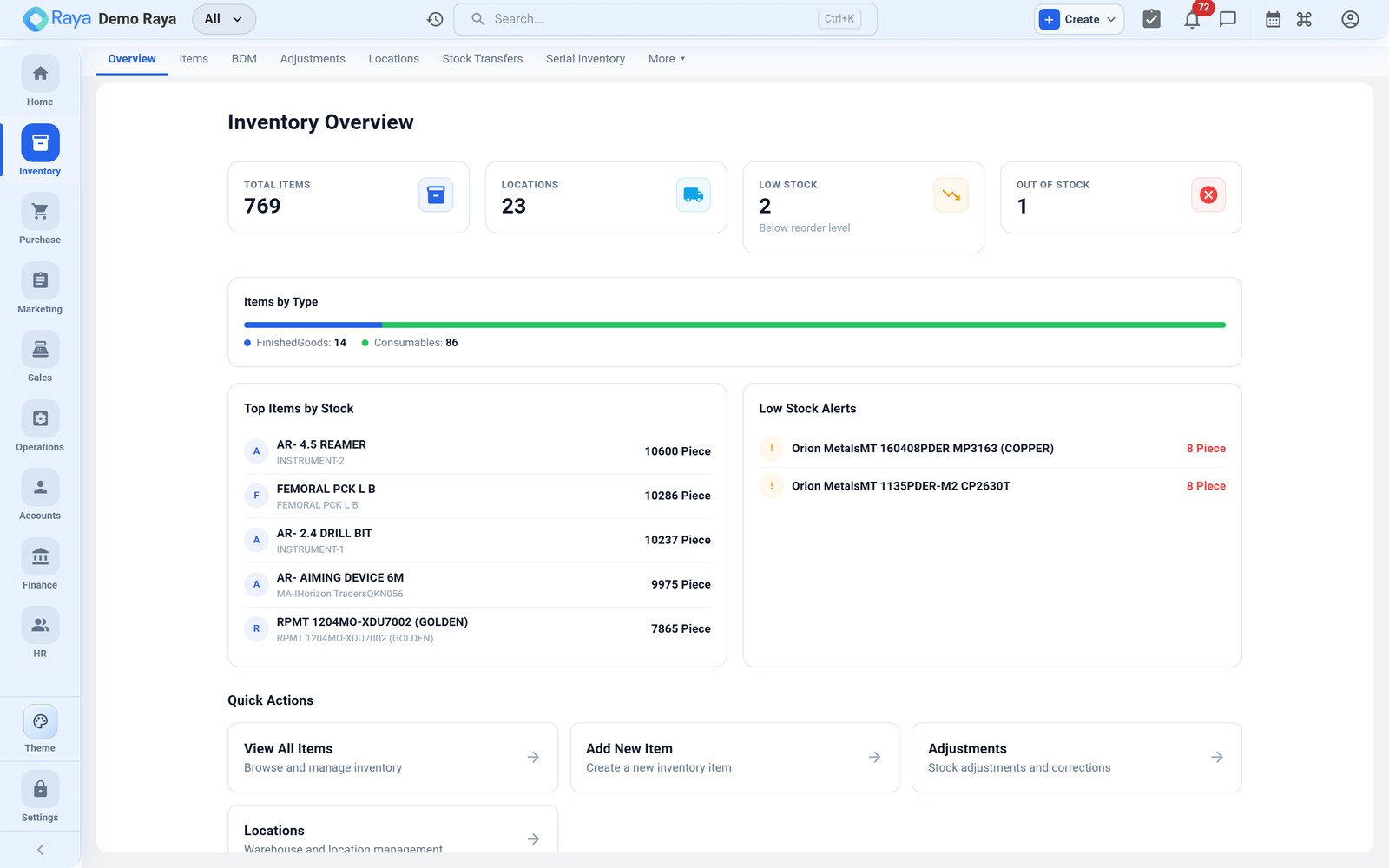
Inventory is your stock system of record: what you have, where it is, and what it's worth. Stock is tracked per location, optionally by batch or serial, and is reserved automatically the moment an order needs it.
What you can do
- Maintain an item master with types (Raw Material, Finished Goods, Consumables, Packaging Material, Services), HSN/SAC codes, tax rates, images and multiple units of measure.
- Track stock on hand / available / committed across warehouses, stores and factories, down to the rack.
- Use batch/lot tracking (with manufacture & expiry dates, per‑batch cost and FIFO allocation) or serial tracking for individual units.
- Set reorder levels so low stock is flagged before it runs out.
- Make adjustments with reason codes, run cycle counts, and move stock with stock transfers between locations.
- Value stock with FIFO or weighted‑average costing, including landed cost.
Sub‑pages
| Sub‑tab | What it's for |
|---|---|
| Overview | Stock KPIs and quick links |
| Items | The item master — search, filter, create, import/export |
| BOM | Bills of materials (used by Operations) |
| Adjustments | Increase/decrease stock with a reason |
| Locations | Warehouses, stores, factories and racks |
| Stock Transfers | Move stock between locations |
| Serial Inventory | Per‑unit serial tracking (if enabled) |
| More ▾ | Product Families, Price Lists, Cycle Counts, Costing & Margins, Reports |
The items list
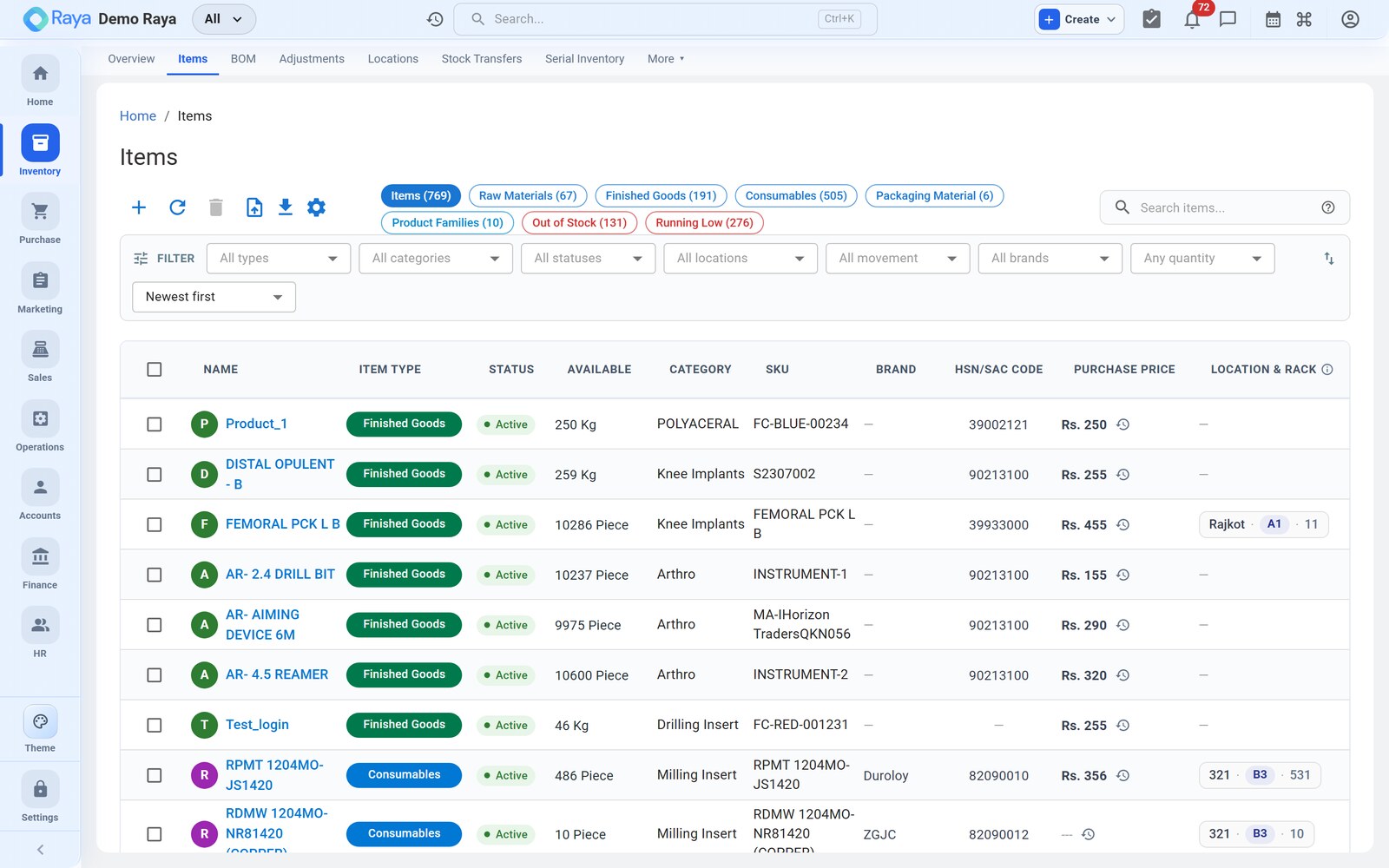
The Items screen is where most inventory work starts. It shows every product with its type, status, available quantity, category, SKU, HSN/SAC, purchase price and location.
Continue: Working with Items →