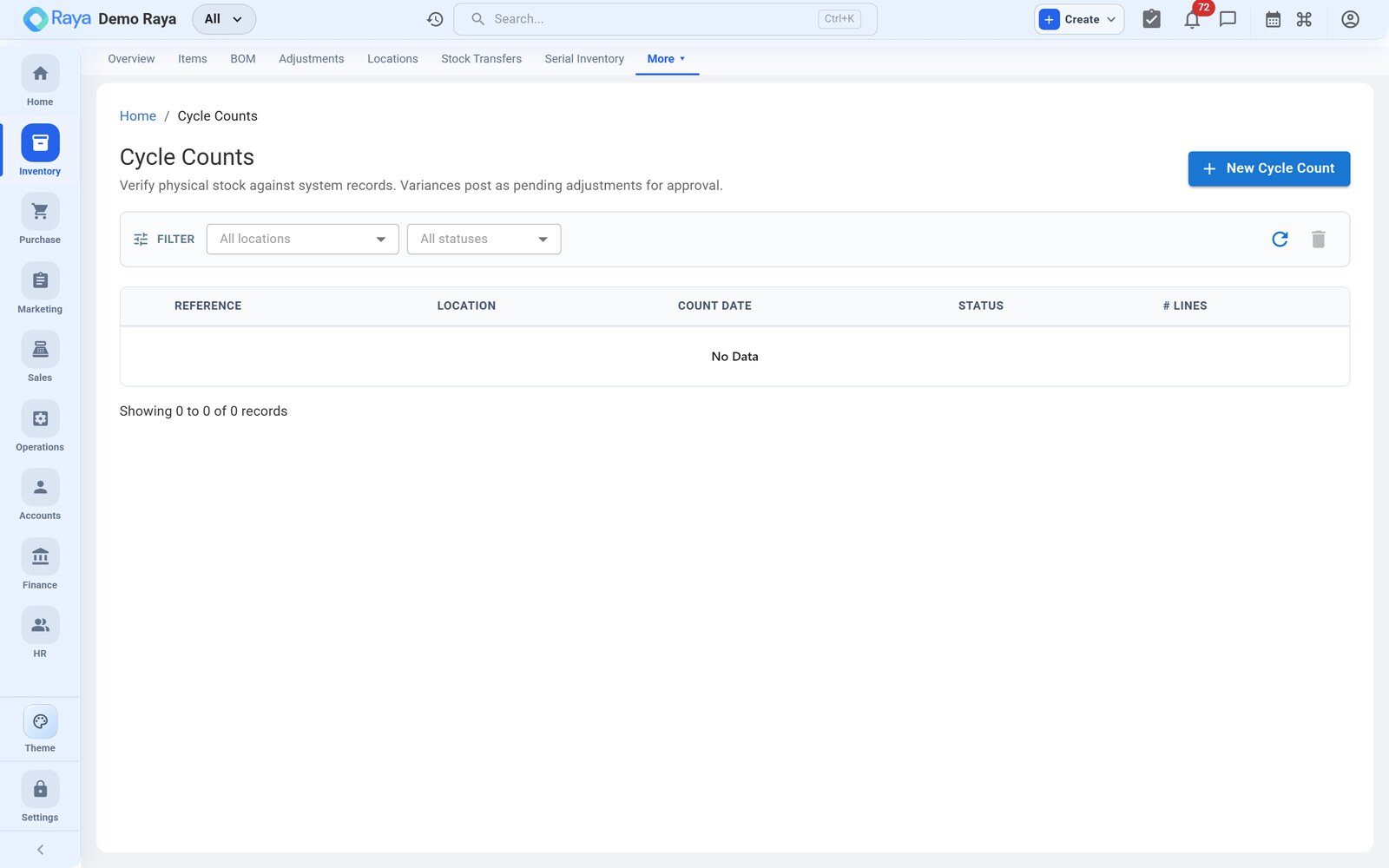
Cycle Counts
A cycle count is a physical stock take of part of your inventory, compared against what Raya shows. Counting a slice at a time keeps records accurate without shutting the warehouse for a full annual count — and when a line doesn't match, finalising the count posts the correction straight to a stock adjustment with a full audit trail. This page runs a count over a rack at Vatva WH-1.
Why count in cycles
| Annual full count | Cycle count | |
|---|---|---|
| Warehouse | Shut for a day | Stays open |
| Frequency | Once a year | Continuous, a slice at a time |
| Error detection | Late — errors sit for months | Early — caught within the cycle |
| Adjustment size | One big correction | Many small ones |
Worked example — count rack A2
We count the granules and drums held in rack A2 / B2 at Vatva WH-1.
1. Open the count
- Go to Inventory → Cycle Counts → + New Count.
- Pick the Location — Vatva WH-1.
- Set the Scope — a category, a rack (here
A2+B2), or a specific set of items. Narrow scope keeps a count quick and a variance easy to trace. - Print or open the count sheet.
2. Record the physical quantity
Walk the rack and record what's actually there. Blind counting (the counter doesn't see system numbers) gives the truest result. Then enter the counted figures:
| Item | Batch / serial | System qty | Counted qty | Variance |
|---|---|---|---|---|
| HDPE Granules — Grade A | HD-2405-A | 55.0 MT | 54.4 MT | −0.6 MT |
| Blue Masterbatch | MB-2403 | 120 Kg | 120 Kg | 0 |
| 50 L HDPE Drum | (serial-tracked) | 480 Pc | 485 Pc | +5 Pc |
Raya shows the system quantity beside each line and highlights the variance — counted minus system — positive when you found more than expected, negative when short.
3. Review and finalise
Zero-variance lines (the masterbatch) confirm the records are already right — nothing to do. Investigate the two that differ, then Finalise the count.
:::note Serial-tracked lines name the extras
For the drums, a +5 variance means five serials were on the shelf that the system had
elsewhere (or missing). Reconcile the actual serial numbers so custody stays correct — a
bare +5 on a serial item should always resolve to specific serials.
:::
Variance → adjustment
Finalising a count with variances posts a stock adjustment for the differences, so on-hand matches reality and the correction is captured with a reason code:
Adjustment Decrease   HDPE Granules — Grade A   −0.6 MT   @ Vatva WH-1  (reason: Stock take)
Adjustment Increase   50 L HDPE Drum            +5 Pc     @ Vatva WH-1  (reason: Stock take)
Downstream effects:
- On-hand at Vatva WH-1 is corrected (granules 54.4 MT, drums 485 pc).
- Stock is revalued — the 0.6 MT shortfall removes
0.6 × ₹95,000 = ₹57,000from inventory value; the 5 found drums add value back at their cost. - Each item's last counted date is stamped, so you can see what's been checked recently and what's overdue.
:::tip Count little and often Rotate through high-value or fast-moving items more frequently than the rest — count the granules monthly, slow packaging quarterly. Small, regular counts catch errors early and keep any single adjustment small enough to explain. :::
:::caution The adjustment is immutable The adjustment a count posts is a permanent ledger entry — like any adjustment, it can't be edited or deleted, only reversed. So resolve the physical discrepancy before you finalise, not after. :::
A simple counting cadence
There's no need to schedule everything the same way. A workable rotation for our items:
| Item class | Example | Count frequency |
|---|---|---|
| High-value / fast-moving | HDPE Granules — Grade A | Monthly |
| Serial-tracked returnables | 50 L HDPE Drum | Monthly (reconcile serials) |
| Consumables | Blue Masterbatch | Quarterly |
| Slow packaging | Drum Label | Twice a year |
The Last counted on date in Product Locations tells you what's overdue, so the next cycle count almost picks itself.
Related
- Stock Adjustments — where variances are posted.
- Locations — the racks and locations you count.
- Serial Inventory — reconciling serialised counts.
- Costing & Reports — how a variance changes stock value.