MRP & Planning (Advanced)
Material Requirements Planning (MRP) nets what you need against what you have and turns the gap into work orders and purchase suggestions — all from one planning board. Instead of allocating each sales-order line by hand, you review MRP's netted proposals and firm them up.
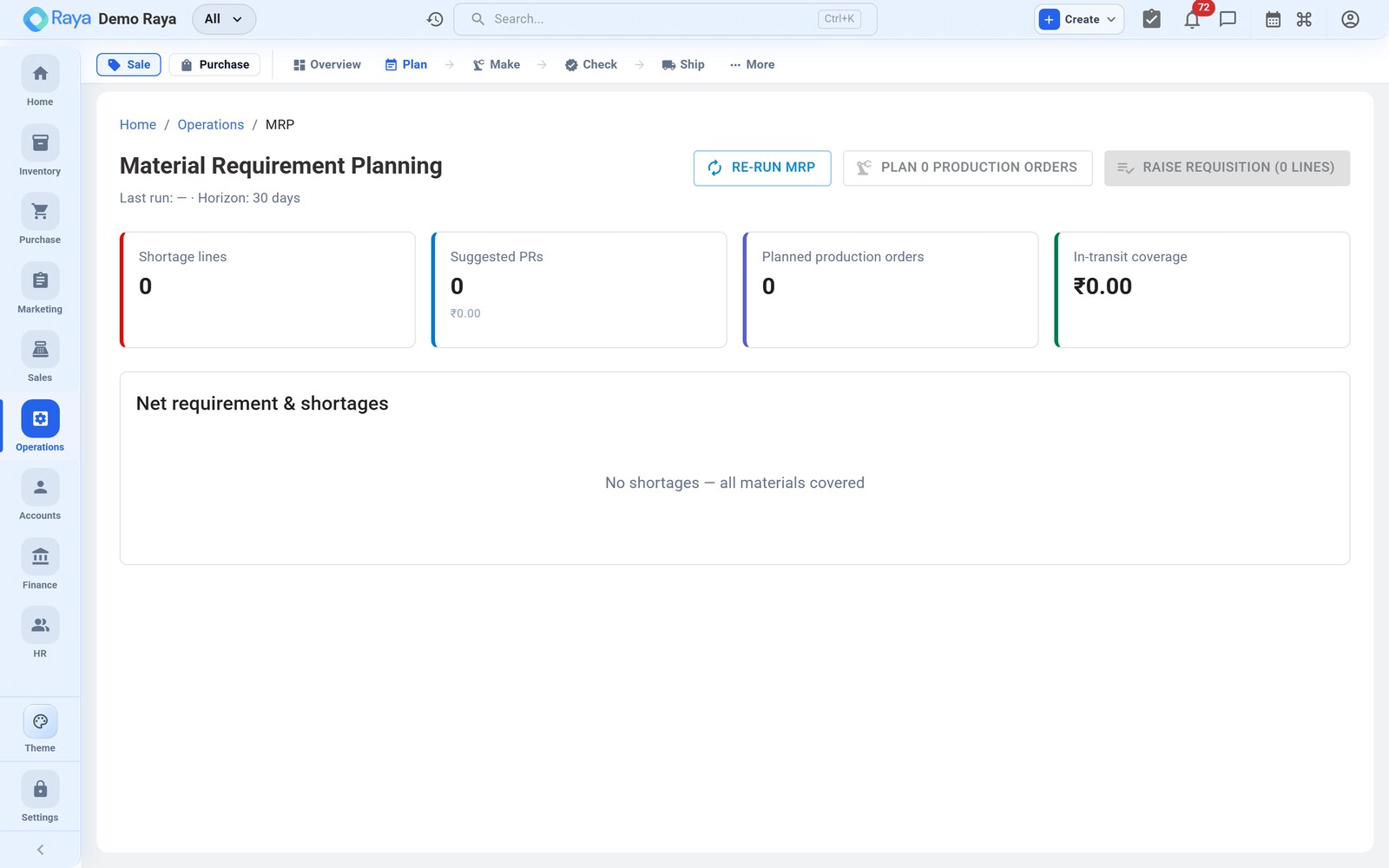
:::note Advanced Manufacturing This screen appears only when Advanced Manufacturing is enabled in Settings → Feature flags. Without it, source each line manually from Stock Allocation. :::
Netting demand vs supply
MRP compares demand against supply for every item and exposes the shortfall:
| Side | Includes |
|---|---|
| Demand | Sales-order lines marked Produce, component needs from parent work orders, safety-stock targets. |
| Supply | On-hand stock, open work orders, and incoming purchase orders. |
The net requirement — demand minus supply — is what the planning board proposes to cover.
Worked scenario — netting SO-1290's demand
SO-1290 needs 2,000 drums. MRP nets the drum, then explodes its BOM to net every component. Assume some stock and one open PO already exist:
Level 0 — the finished drum
| Item | Demand | On hand | Open WO | Net requirement | MRP proposes |
|---|---|---|---|---|---|
| 50 L HDPE Drum | 2,000 | 0 | 0 | 2,000 | Make → Work Order |
Level 1 — components (BOM × 2,000, incl. 1.2% scrap)
Making 2,000 drums creates demand for the components, which MRP nets in turn:
| Component | Gross need | On hand | Incoming | Net requirement | MRP proposes |
|---|---|---|---|---|---|
| HDPE Granules Grade A | 4,857.6 kg | 1,000 kg | 3,000 kg (PO) | 857.6 kg | Buy → PO top-up |
| Masterbatch Blue | 80.96 kg | 120 kg | 0 | 0 (covered) | — |
| Lid + gasket set | 2,024 | 500 | 0 | 1,524 | Buy → PO |
So one sales order fans out into one make (the drum work order) and two buy suggestions (granules top-up and lids) — masterbatch is already covered by stock.
Make vs buy
For each net requirement, MRP proposes how to cover it:
- Make — the item is Finished Goods (or a sub-assembly) with a BOM; MRP proposes a work order. The drum is a Make.
- Buy — the item is bought-in; MRP proposes a purchase order. Granules and lids are Buy.
Because BOMs are multi-level, making a parent explodes into demand for its sub-assemblies and raw materials, which MRP nets recursively — a Make at one level becomes fresh demand at the next.
The planning board
The planning board lays out proposed and open orders so you can plan capacity at a glance:
- Review the netted requirements and MRP's make/buy suggestions.
- Adjust quantities or due dates against capacity and priorities — e.g. pull the drum work order forward to clear the extruder before a holiday, or merge the two granule buys into one PO.
- Firm up a suggestion to create the real work order or draft purchase order — building a multi-level work-order tree (sub-assemblies → assembly → finished good) where needed.
:::tip Plan the tree, not just the top Firming the finished-drum work order also creates the linked component purchase orders in one pass, so the whole make-to-order tree is scheduled together — you don't have to remember to raise the granule and lid POs separately. :::
:::caution Netting is a snapshot MRP nets against the position at the moment you run it. If another order consumes the 120 kg of masterbatch before you firm up, re-run MRP — the "covered" line will flip to a Buy. Firm up promptly, or re-net before committing a large plan. :::
Related
- Stock Allocation — manual, per-line sourcing (Standard).
- Work Orders, BOM & Routing — what a firmed Make becomes.
- Purchase Orders — what a firmed Buy becomes.
- Make-to-Order workflow — planning within the full cycle.
- Inventory — the stock and BOM data MRP nets against.